If you want each colleague to have their own calendar (recommended) and you are using Google Calendar, select the setting cog in the top menu.
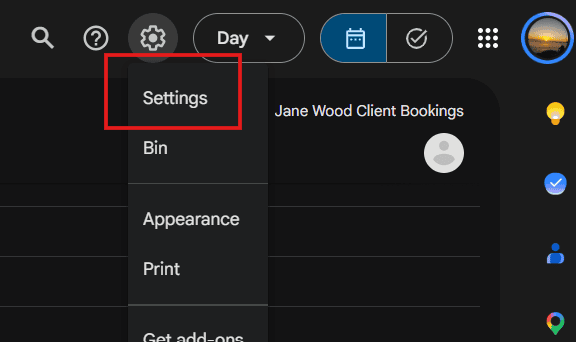
Then select create new calendar and follow the instructions

You should name your calendar something meaningful (colleague name) and once you calendar is ready, scroll down to the integrate calendar section, copy the calendar ID and keep it safe

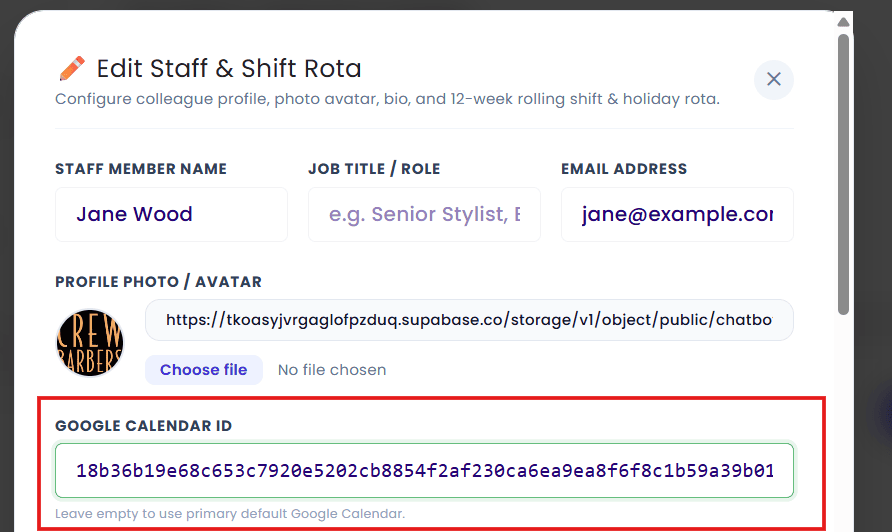
You can then head back to the dashboard and add the calendar to the staff member you created earlier.