Select Scheduling & Staff from the left hand navigation in your dashboard. Head to the section titled Scheduling & Booking Mode
We want you to have a choice, if you're going to continue with your existing booking tool (Booksy, fresha, salonIQ et.) then you can select option 4 and add your booking URL in the box provided
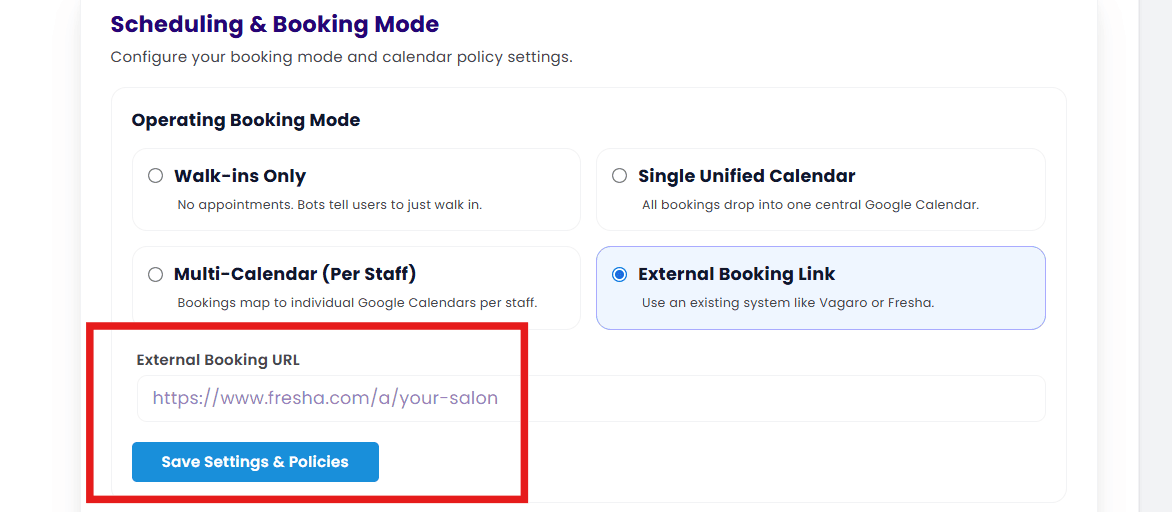
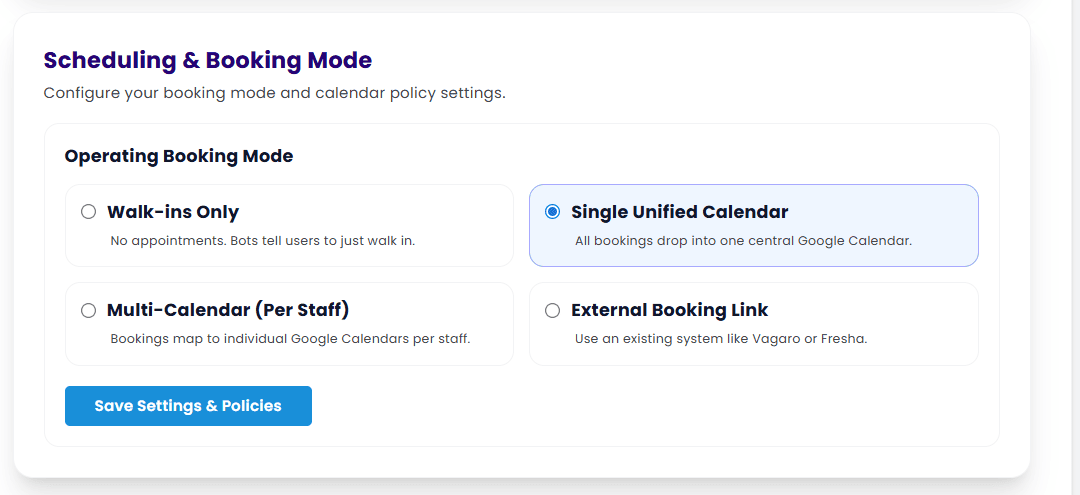
The four options you have are explained on the page, and to explain the multi calendar; 'Google allows you to create sub calendars within the main calendar', this is ideal if you have multiple employees. An explanaition on how to create and manage a Google Calendar,
once you select the option you want the Google authorisation button will become visible. when you select this you will be asked to verify which Google account you wish to scync with StyleFlo.
Note: Our recomendation is that you do not use your personal calendar or Google account for this purpose as you may wish so share calendar access with your colleagues at a later date